
Wednesday, December 30, 2009
Happy New Year!
Well, I leave first thing in the morning to go begin my New Year's Eve festivities. So I just wanted to wish everyone a very happy new year! :)

Project 365!
Are you ready for Project 365?! I am! As ready as I'm going to be, anyway.
I'm a planner by profession and find that I have planner tendencies. So of course I've been asking myself what can I do to prepare myself? What can I do to make this event not take up a ton of time daily when I might not have the time to spare or be so sick of doing it that I want to give up? Well, I'm going to share with you one step that I did. Feel free to download and share with anybody! Copy it to your blog and share if you'd like.
Download: Here's what I put together: folders to store my photos in, dated each week of the year 2010 and separated into folders by each month. This way you can organize your folders and scrap them by week or by month. So here you go:

I'm a planner by profession and find that I have planner tendencies. So of course I've been asking myself what can I do to prepare myself? What can I do to make this event not take up a ton of time daily when I might not have the time to spare or be so sick of doing it that I want to give up? Well, I'm going to share with you one step that I did. Feel free to download and share with anybody! Copy it to your blog and share if you'd like.
Download: Here's what I put together: folders to store my photos in, dated each week of the year 2010 and separated into folders by each month. This way you can organize your folders and scrap them by week or by month. So here you go:
(Click the image to download the folders---created in Windows Vista)
So are you doing Project 365? It seems like it's the thing to do this year. I think I'm going to follow the forum at Gotta Pixel located here. There's also a thread at Jessica Sprague that is for sharing ideas about what to take pictures of during the 365 days located here.
For those of you not in the know, Project 365 is a challenge to take one picture every day for an entire year.
Why? The why is unique to each person. For some they want to capture a glimpse into their everyday life. I think my everyday life is rather boring, so I'm not hoping so much to get a picture of that, although I will scrap (and journal about) what I do take. For me, I want to do this in order to improve my photography. That's right. The goal for this year is to become a much, much better photographer. I started that goal today by taking my first photograph with the Manual setting on my camera. The exposure turned out just right and I was amazed (though it wasn't an interesting subject and that's why I'm not sharing it). Maybe by the end of the year I might be a pretty decent photographer if I take the opportunity to work on it everyday.
In order to succeed with Project 365 I'm going to focus on using my D-SLR, but I'm also going to use a point-in-shoot that I can take everywhere. That way I can provide a better picture of my everyday life (taking pictures anywhere) while otherwise trying to focus on taking "real" photos using my large SLR. We'll see how it goes. I'll post about my progress over the coming months on this blog.
Sunday, December 27, 2009
Review of Shutterfly Experience for Scrapbooking
I wanted to share my experience using Shutterfly with you.

I've been waiting til after Christmas to write this because the book I made was a surprise scrapbook for my husband. Of course the book has been wrapped for a while so I haven't had a good look at it in several weeks, but I think I remember the key points.
I scrapbook in 8" x 8", so I went for the 8" x 8" book. This ended up being a really good sized book. So if you scrapbook in 12" x 12" and want to go cheaper with a smaller book, I think you will be happy with the results. Just be aware of the size of your text when you shrink it. You could test this by printing it to any standard printer (b&w or color).
(click pictures for larger view)
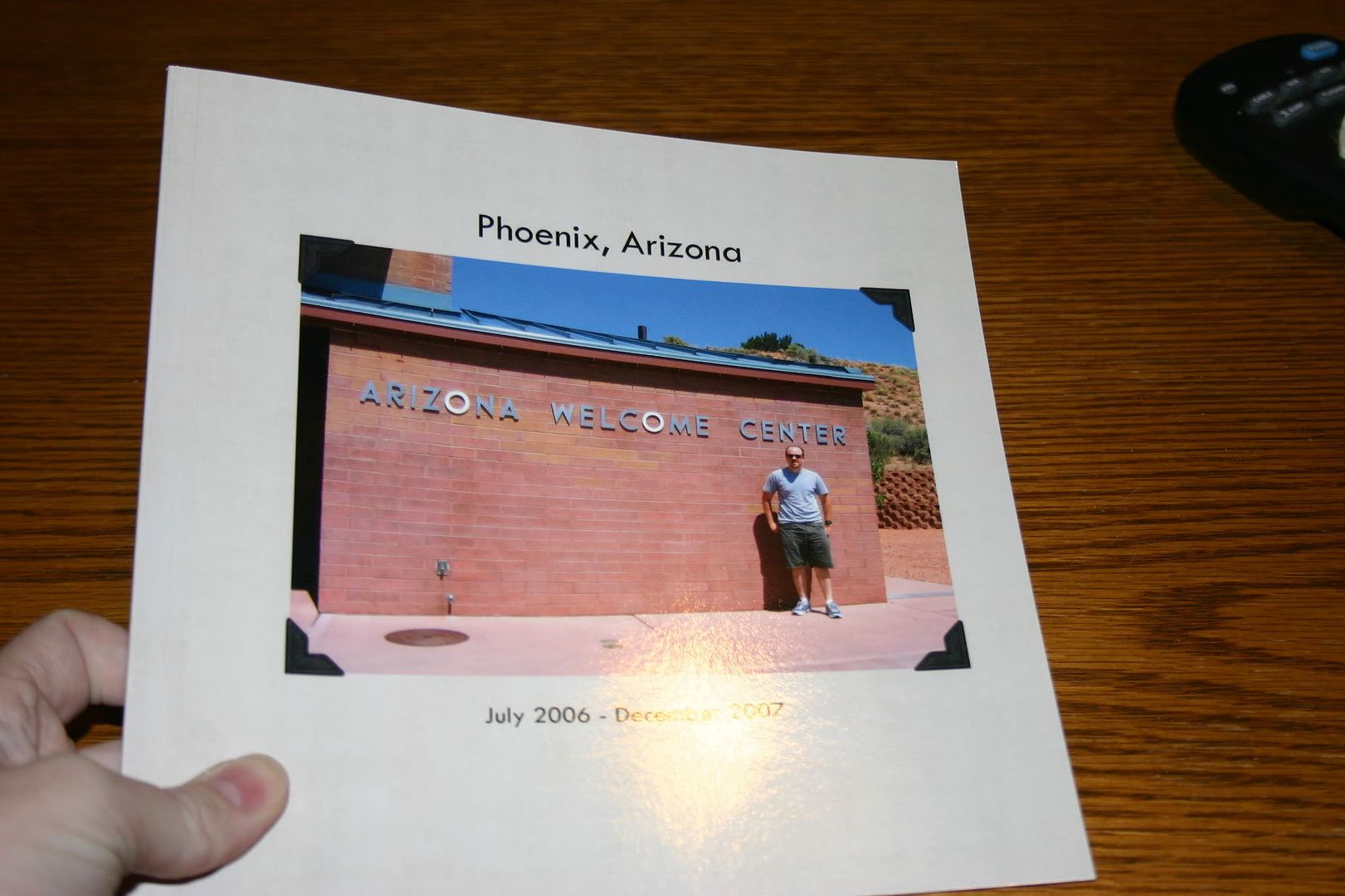
For the front and back of the book, I just inserted regular photos into the templates. If you could do more than that, I am not aware of it. But I found some really good pictures that went with the whole theme of my album. The album I made was of our time in Arizona (hence the scrapbook pages of Arizona I've been posting lately) and I put a picture of the Arizona Welcome Center on the cover and a shot of the temperature as read by our car on the day we arrived---117*---on the back.
For all of the inside pages I chose a template that allowed me to insert a "picture" (my scrapbook page) the entire size of the page (8" x 8"). I wish I had pictures of this (I might update this later). Sorry.
The book had 20 pages. The first page is on the right, with the inside cover on the left. Shutterfly calls this the title page, but I just jumped right in there and started with my first scrapbook page. The last page (page 20) is on the left, with the inside back cover on the right. There were 9 sets of paired pages (i.e., one page on the left and one on the right) if you are a 2-page scrapper.
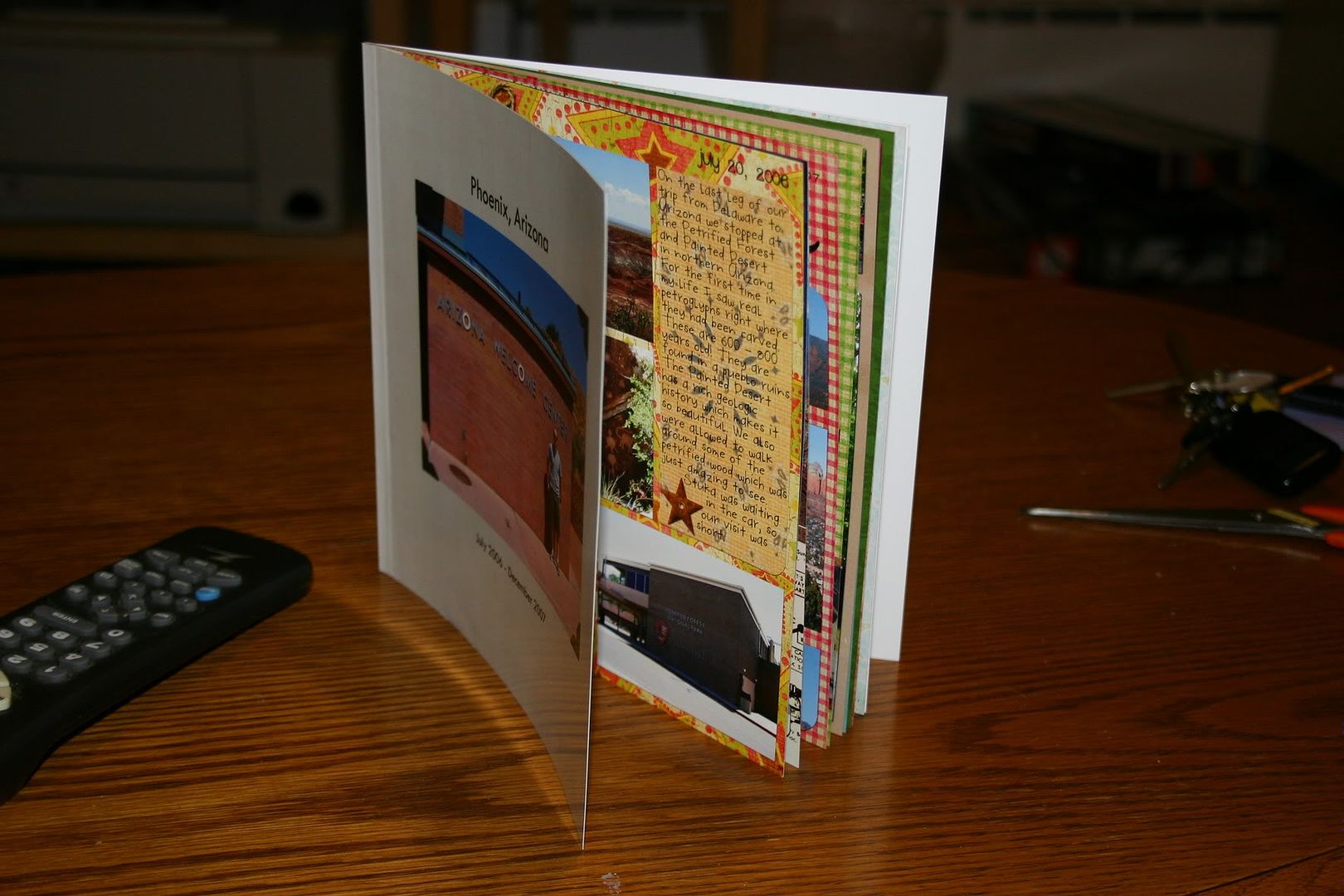
I found it rather easy to work with the interface. If you are all set ready to go, it probably would take about one hour or less to upload all of your photos and arrange them in the correct order in the book.
Issues
I found two issues with the book, which I didn't know about until I was holding the actual book in hand. So be forewarned.
- I'm not sure what the technical term is for the inside of the book where the pages meet, but I'll just call it the gutter. Well, the biggest problem I saw was that your page gets lost in the gutter. I had at least two pages in the book where the text gets lost inside the book. So, I would recommend that you alter your scrapbook page according to where it will fall in your book. Either make sure nothing significant falls within at least 1/2 inch of the edge OR if you know if the page will fall on the left or right, make sure that the inside edge is free of elements and text that you want to make sure are visible.
- The other major issue is that the text prints dark. Just as printing on card stock appears darker than photo paper when using colored ink, I found the paper that they use absorbs the color and makes it appear darker. Before I submitted my pages I printed all of them on photo paper using my laser jet and they looked great. However, the Shutterfly book seemed particularly bothersome to faces, which all came out too dark. Otherwise the colors were very vivid and looked great. So I guess I would suggest lightening any photos of people on your scrapbook page before submitting it to Shutterfly.
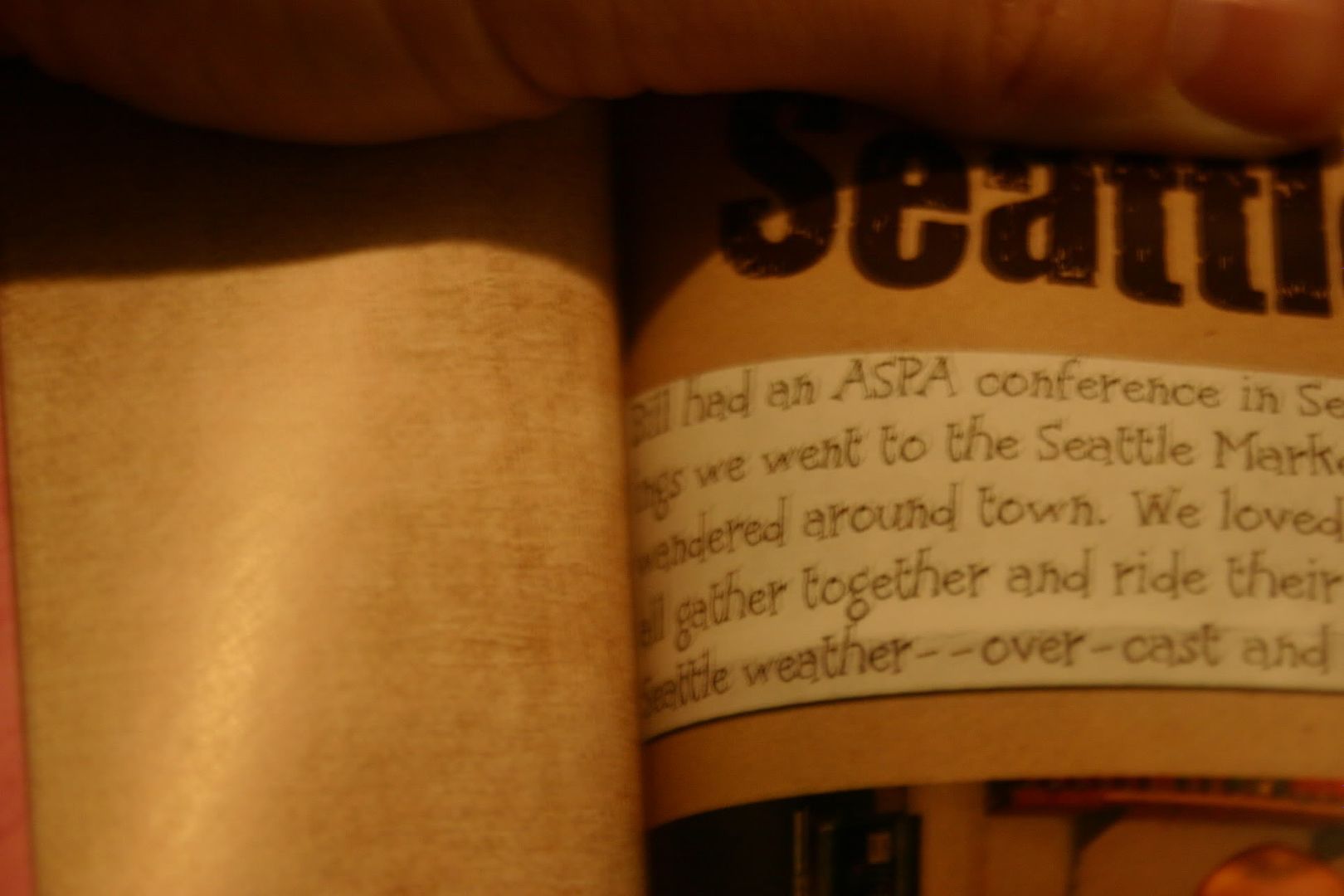
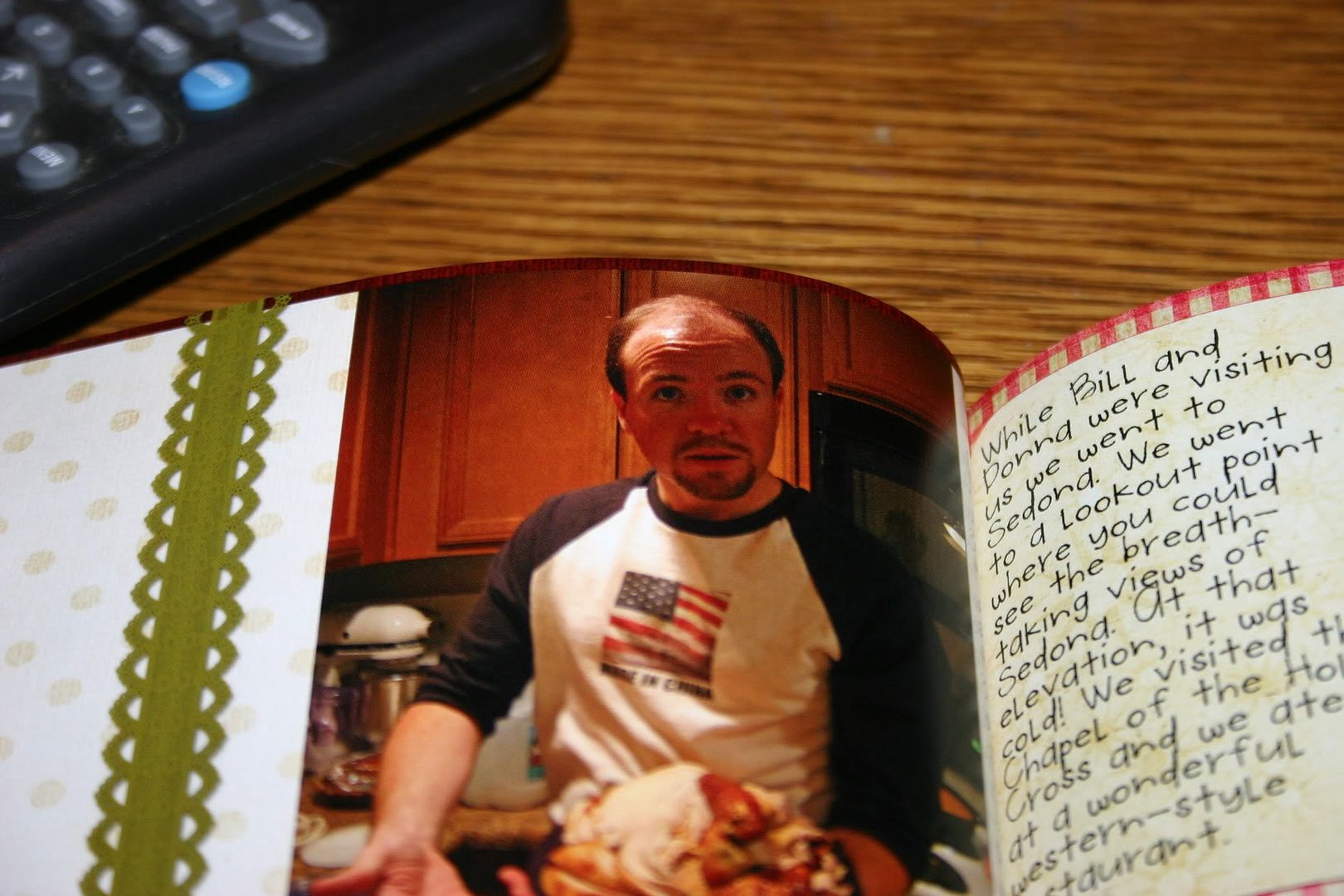
Otherwise I was happy with the feel and look of the book. I went with the soft cover and thought it was fine---thick enough. The pages have a soft gloss look to them, but I didn't see any finger prints making a mess of the pages. I'm not 100% on this because I was careful when handling the book.
Would I shop at Shutterfly again? Yes! Knowing what I do, I think in the future I will make the slight alterations that I suggest above. I thought the book was affordable and a wonderful gift.
February 19, 2010 Update:
Also check out this review of a Shutterfly photobook by Shaz of It's My Kraft Nook
and these photos of a Shuttefly photobook by Keyr of Dreams Inspired
February 19, 2010 Update:
Also check out this review of a Shutterfly photobook by Shaz of It's My Kraft Nook
and these photos of a Shuttefly photobook by Keyr of Dreams Inspired
Thursday, December 24, 2009
Merry Christmas! ... 10 Things
10 Things I Did To Make It Feel Like Christmas...
 1. Saw "A Christmas Carol"
I don't have many traditions and in many ways the traditions are what makes it feel like Christmas and I think why so many people love this time of year. So I was thinking about it, and although I don't have traditions, I have ways of making it feel like Christmastime to me (maybe they will become traditions one day). Here are a few things I did:
 1. Saw "A Christmas Carol"
 2. Decorated a Christmas tree with my husband while listening to Christmas music
 Tree and paper from "Holly Jolly" by geniaBeana and Dylabel Designs
3. Attended two work-related holiday parties and won raffles at both (I won a free hair cut at a local salon and a free lunch at a wonderful local restaurant). I'm attending a church Christmas party on the 27th
 4. Helped my mom make cheese balls.
 Present and paper from "Holly Jolly" by geniaBeana & Dylabel Designs
5. Bought and made presents and wrapped them.
 6. Watched It's a Wonderful Life
 photo by my dad
7. Shoveled snow! (14 inches)
 8. Spent time with my niece
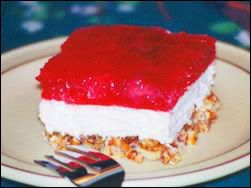 9. Made Strawberry Pretzel Salad for Christmas dinner
 10. Attended Christmas Eve Service at church and sang "Angels We Have Heard On High," "Hark! The Herald Angels Sing," and "Silent Night! Holy Night."
I hope you took the time to make it a special Christmas for yourself too. Merry Christmas! :)
Friday, December 18, 2009
Melancholy - Dylabel Designs' New Release
Hi everyone! Are you ready for the holidays? I am! I finished wrapping my dogs' presents (the last I had to wrap) this morning. I bought them both new Nylabones. I'm excited that it's Christmas, but there really isn't a whole lot going on. My sister isn't coming home for Christmas, so it'll just be my brother, my parents, and me.
My mom gave me her credit card and let me buy my Christmas present, so I already know what I am getting from my parents. Using their credit card I ordered a gift code for two Internet-based instructor-led classes at JessicaSprague.com. They are Type + Writer I and Type + Writer II. You can purchase them as a bundle. I'm excited about taking those classes because I love typography and do not think I am very good at it. I want to learn more secrets to type to improve my scrapbook layouts.
While I'm on the subject, I would like to recommend a great book on type. It's for beginner, non-designers and it just lays out what type is all about. It's called The Non-Designer's Type Book by Robin Williams.
Anyway, on to Dylabel Designs' newest release---Melancholy.
My mom gave me her credit card and let me buy my Christmas present, so I already know what I am getting from my parents. Using their credit card I ordered a gift code for two Internet-based instructor-led classes at JessicaSprague.com. They are Type + Writer I and Type + Writer II. You can purchase them as a bundle. I'm excited about taking those classes because I love typography and do not think I am very good at it. I want to learn more secrets to type to improve my scrapbook layouts.
While I'm on the subject, I would like to recommend a great book on type. It's for beginner, non-designers and it just lays out what type is all about. It's called The Non-Designer's Type Book by Robin Williams.
Anyway, on to Dylabel Designs' newest release---Melancholy.
Here's the preview and below is my layout of my sister and her best friend Corrie.
 "Melancholy" by Dylabel Designs; Pea Hannah fonts by kevinandamanda.com
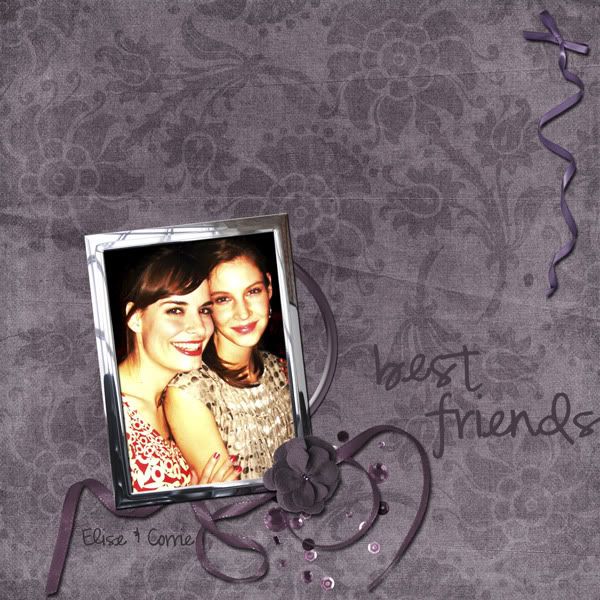 "Melancholy" by Dylabel Designs; Pea Hannah fonts by kevinandamanda.com
It's supposed to snow here in the northeast tomorrow. So maybe it'll be white for Christmas. :) You can grab the freebie quickpage of this layout over at Belinda's blog.
Subscribe to:
Posts (Atom)


 Posts
Posts


