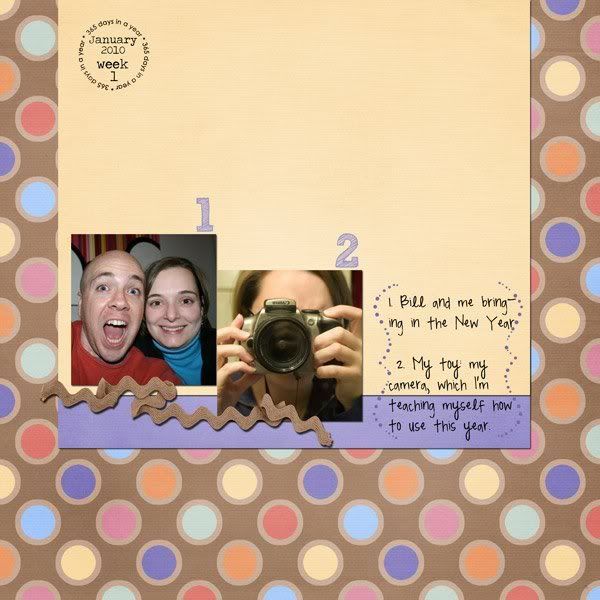
Kit: Celebrate! by SuzyQ Scraps; Template: P365 Challenge Template January 28, 2010 by BCNatty at Scrap Matters; Fonts: Traveling Typewriter, Perpetua
Showing posts with label Project 365. Show all posts
Thursday, February 11, 2010
Project Cole & Lillie 365 - Week 6
Well since I'm snowed in again (Saturday, Sunday, yesterday, and today), I thought I would catch up on my Project 365 pictures. I have them all organized again, but have only scrapped Cole and Lillie's page so far.
Instead of using one kit for all 52 layouts, I decided to switch the kit by month. Naturally I wanted something for Valentine's day, so I chose "Sweet Nothings" by Dylabel Designs.
Here's my page and there's a freebie template made from the page below.
Project 365 Freebie Template (click image to download):
Instead of using one kit for all 52 layouts, I decided to switch the kit by month. Naturally I wanted something for Valentine's day, so I chose "Sweet Nothings" by Dylabel Designs.
Here's my page and there's a freebie template made from the page below.
Kit: "Sweet Nothings" by Dylabel Designs; Font: "Traveling Typewriter", "Pea Madsen" by kevinandamanda.com; "Date:" tag: "Capturing the Memories" by Maelia Designs; Date stamp: "The Only Date Stamp You'll Ever Need" by Stolen Moments Designs
Project 365 Freebie Template (click image to download):
Labels:
digi-scrapping,
digiscrap,
Dylabel Designs,
freebies,
layout,
Project 365,
template
Sunday, February 7, 2010
Project 365 Weeks 4 & 5
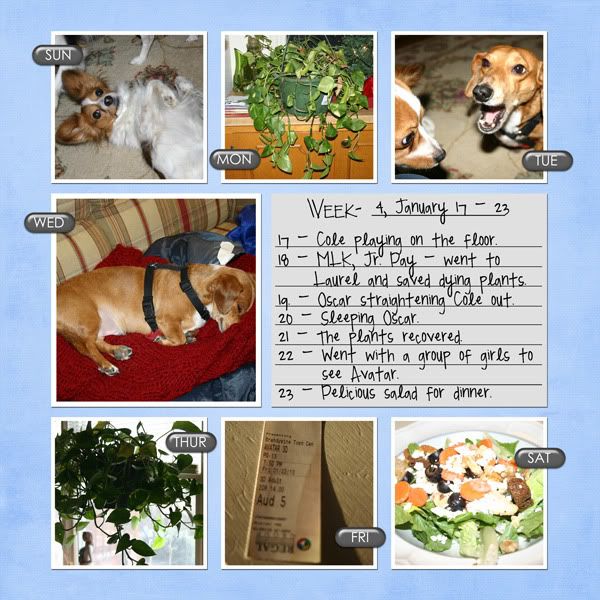
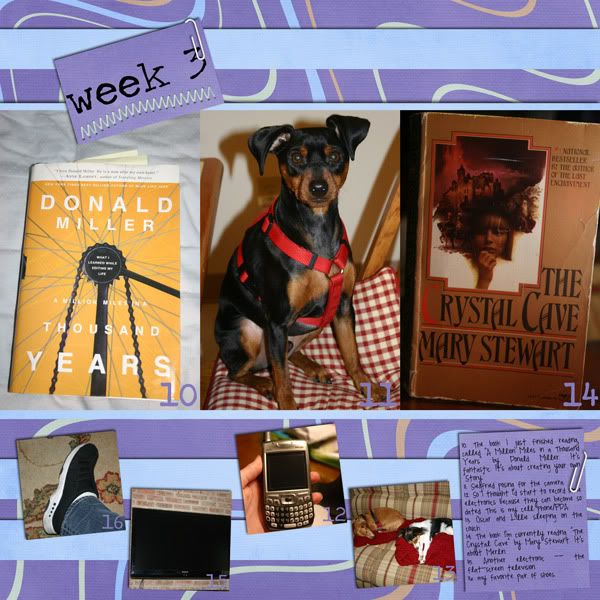
I'm getting behind on my layouts and it's only February! This already seems like a momentous task! The hardest part is that my camera is so big, I don't feel like carrying it anywhere, so all of my pictures are made at home. How fun is that?!
Anyway, here are the layouts for Project 365 and Project Cole & Lillie 365.
Week 4:
Anyway, here are the layouts for Project 365 and Project Cole & Lillie 365.
Week 4:
Kit - "Celebrate" by SuzyQ Scraps, Template - "Project 365 Temp. 2" by Connie Prince; Font - "Pea Madsen" by Kevinandamanda.com
Kit - "Butterfly" by Audacious Designs; Template - ?; Font - Traveling Typewriter, "Pea Madsen" by Kevinandamanda.com
Week 5:Kit - "Celebrate!" by SuzyQ Scraps; Template - "Project 365 Template No. 6" by Scrapmuss Designs; Font: "Pea Madsen" by kevinandamanda.com, Traveling Typewrite; Date stamp: "Simply Dated v.4" by wm[squared]
Kit - "Butterfly" by Audacious Designs; Template - ?; Font - "Pea Madsen" by kevinandamanda.com, "Traveling Typewriter"
Labels:
digi-scrapping,
digiscrap,
digitial scrapbooking,
layout,
layouts,
Project 365
Wednesday, January 20, 2010
Week 3 Project 365
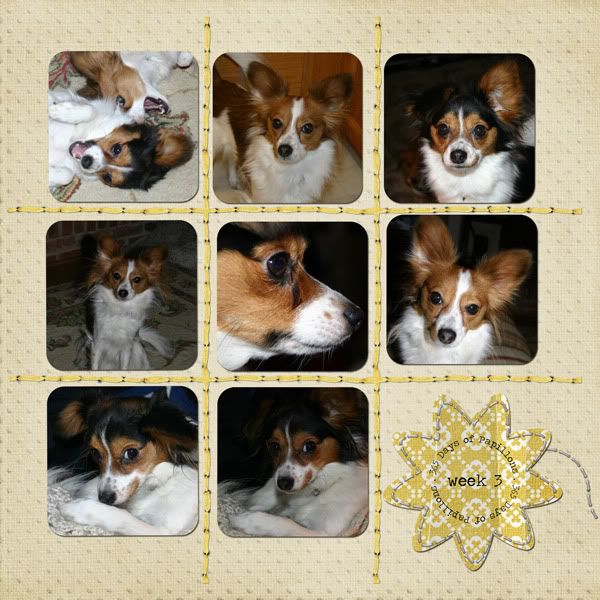
Here are my layouts for Project 365 and Project Cole & Lillie 365. I'm starting to fall off the wagon with the project 365, but going strong with the Cole & Lillie.
CREDIT: Kit: "Celebrate!" by SuzyQ Scraps; Template: Project 365 Template 17 by Sweet Tomato Designs; Fonts: "Pea Madsen" by Kevinandamanda.com, and Traveling Typewriter
CREDIT: Kit: "Butterfly" by Audacious Designs; Template: "Project 365 Week 20" by 3s Enough; Font: Traveling Typewriter
Friday, January 8, 2010
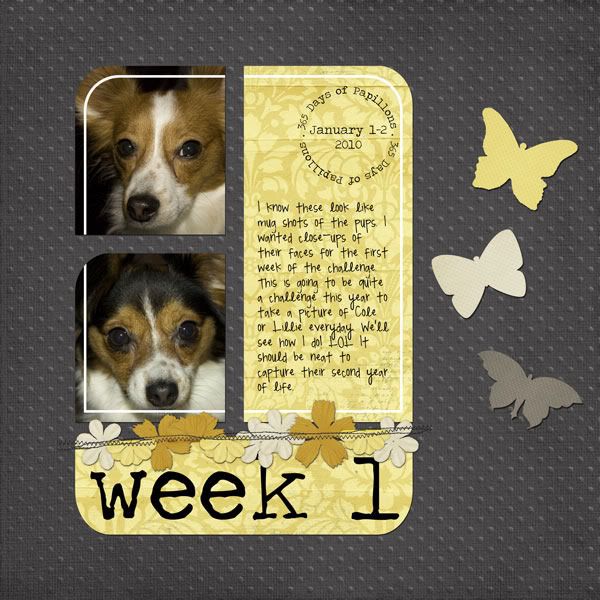
Week 1 - Project Cole & Lillie 365
Yep, I'm doing 365 of my dogs, too. I thought it'd be fun and at the end I might have some neat pictures of them to remember their "terrible twos."
So here is my layout of Cole and Lillie and you can have the template if you'd like it. Download below.
CREDIT: "Butterfly' by Audacious Designs; Fonts: Traveling Typewriter & Pea Madsen
and the template--Photoshop/Photoshop Elements file included (click image to download):
Thursday, January 7, 2010
Project 365 Week 1
I'm not sure how faithful I will be about posting my scrapbook pages of Project 365, but here is week #1 (Friday & Saturday, January 1-2).
CREDITS: Kit-"Celebrate!" by SuzyQ Scraps; and Font-"Pea Madsen" by kevinandamanda.com
I think I'm going to make all 52 layouts from this one kit. We'll see how it goes making that much variety from one kit. But it's a good sized kit, including 22 papers and plenty of elements. I love the bold colors. Wednesday, December 30, 2009
Project 365!
Are you ready for Project 365?! I am! As ready as I'm going to be, anyway.
I'm a planner by profession and find that I have planner tendencies. So of course I've been asking myself what can I do to prepare myself? What can I do to make this event not take up a ton of time daily when I might not have the time to spare or be so sick of doing it that I want to give up? Well, I'm going to share with you one step that I did. Feel free to download and share with anybody! Copy it to your blog and share if you'd like.
Download: Here's what I put together: folders to store my photos in, dated each week of the year 2010 and separated into folders by each month. This way you can organize your folders and scrap them by week or by month. So here you go:
I'm a planner by profession and find that I have planner tendencies. So of course I've been asking myself what can I do to prepare myself? What can I do to make this event not take up a ton of time daily when I might not have the time to spare or be so sick of doing it that I want to give up? Well, I'm going to share with you one step that I did. Feel free to download and share with anybody! Copy it to your blog and share if you'd like.
Download: Here's what I put together: folders to store my photos in, dated each week of the year 2010 and separated into folders by each month. This way you can organize your folders and scrap them by week or by month. So here you go:
(Click the image to download the folders---created in Windows Vista)
So are you doing Project 365? It seems like it's the thing to do this year. I think I'm going to follow the forum at Gotta Pixel located here. There's also a thread at Jessica Sprague that is for sharing ideas about what to take pictures of during the 365 days located here.
For those of you not in the know, Project 365 is a challenge to take one picture every day for an entire year.
Why? The why is unique to each person. For some they want to capture a glimpse into their everyday life. I think my everyday life is rather boring, so I'm not hoping so much to get a picture of that, although I will scrap (and journal about) what I do take. For me, I want to do this in order to improve my photography. That's right. The goal for this year is to become a much, much better photographer. I started that goal today by taking my first photograph with the Manual setting on my camera. The exposure turned out just right and I was amazed (though it wasn't an interesting subject and that's why I'm not sharing it). Maybe by the end of the year I might be a pretty decent photographer if I take the opportunity to work on it everyday.
In order to succeed with Project 365 I'm going to focus on using my D-SLR, but I'm also going to use a point-in-shoot that I can take everywhere. That way I can provide a better picture of my everyday life (taking pictures anywhere) while otherwise trying to focus on taking "real" photos using my large SLR. We'll see how it goes. I'll post about my progress over the coming months on this blog.
Subscribe to:
Posts (Atom)