Showing posts with label digiscrap. Show all posts

Sunday, February 14, 2010

Dipsy Doodles - New Release

Dylabel Designs and Dancing Princess Designs have put together a jammed-packed huge kit. It has a beautiful combination of spring-like colors. I loved playing with this versatile whimsical kit. It's on sale this week for $5.50 at GoDigitalScrapbooking.com. I used the delicate purples to make my layout. I turned it into a quickpage that you can pick up on the Dylabel Designs CT blog. Check out the kit, layout, and quickpage preview below.


"Dipsy Doodles" by Dylabel Designs and Dancing Princess Designs; "Pea Stacy Fancy" font by kevinandamanda.com

and the preview of the quickpage (linked to blog).

Saturday, February 13, 2010

Speed Scrap Layout and Freebie

Kit: "Roughin' It" by SuzyQ Scraps; "Pea Ky Ky" by kevinandamanda.com
 
I made this page at a speed scrap at Polkadotplum.com. The speed scrap was led by Sweet Tomato Designs. It was loads of fun!
 
And a template from the layout in PSD file format:

Thursday, February 11, 2010

Project Cole & Lillie 365 - Week 6

Well since I'm snowed in again (Saturday, Sunday, yesterday, and today), I thought I would catch up on my Project 365 pictures. I have them all organized again, but have only scrapped Cole and Lillie's page so far.

Instead of using one kit for all 52 layouts, I decided to switch the kit by month. Naturally I wanted something for Valentine's day, so I chose "Sweet Nothings" by Dylabel Designs.

Here's my page and there's a freebie template made from the page below.
 
Kit: "Sweet Nothings" by Dylabel Designs; Font: "Traveling Typewriter", "Pea Madsen" by kevinandamanda.com; "Date:" tag: "Capturing the Memories" by Maelia Designs; Date stamp: "The Only Date Stamp You'll Ever Need" by Stolen Moments Designs

Project 365 Freebie Template (click image to download):

Sunday, February 7, 2010

Project 365 Weeks 4 & 5

I'm getting behind on my layouts and it's only February! This already seems like a momentous task! The hardest part is that my camera is so big, I don't feel like carrying it anywhere, so all of my pictures are made at home. How fun is that?!
Anyway, here are the layouts for Project 365 and Project Cole & Lillie 365.

Week 4:

  
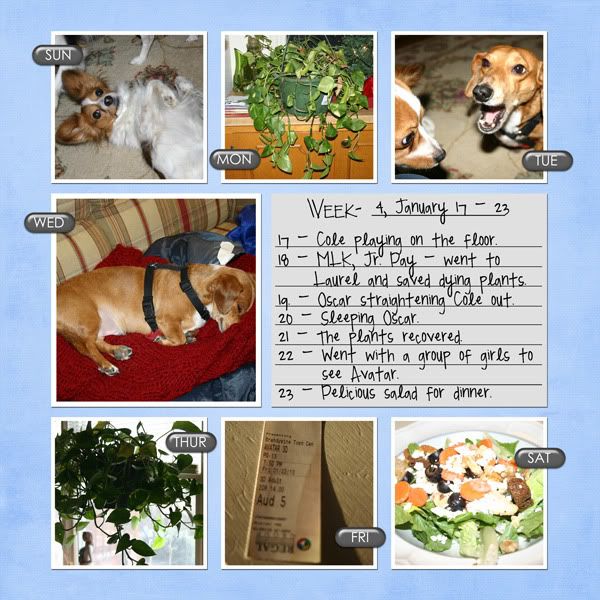
Kit - "Celebrate" by SuzyQ Scraps, Template - "Project 365 Temp. 2" by Connie Prince; Font - "Pea Madsen" by Kevinandamanda.com

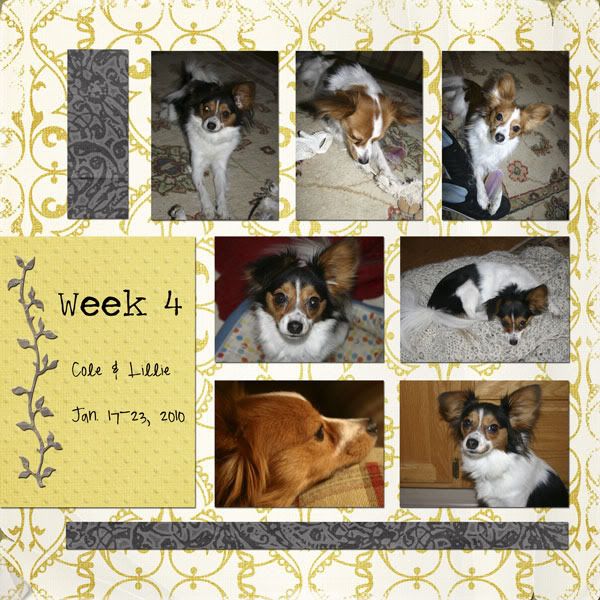
Kit - "Butterfly" by Audacious Designs; Template - ?; Font - Traveling Typewriter, "Pea Madsen" by Kevinandamanda.com
Week 5:


Kit - "Celebrate!" by SuzyQ Scraps; Template - "Project 365 Template No. 6" by Scrapmuss Designs; Font: "Pea Madsen" by kevinandamanda.com, Traveling Typewrite; Date stamp: "Simply Dated v.4" by wm[squared]

 
Kit - "Butterfly" by Audacious Designs; Template - ?; Font - "Pea Madsen" by kevinandamanda.com, "Traveling Typewriter"

Friday, February 5, 2010

New Release - Confection Heaven by Dylabel Designs

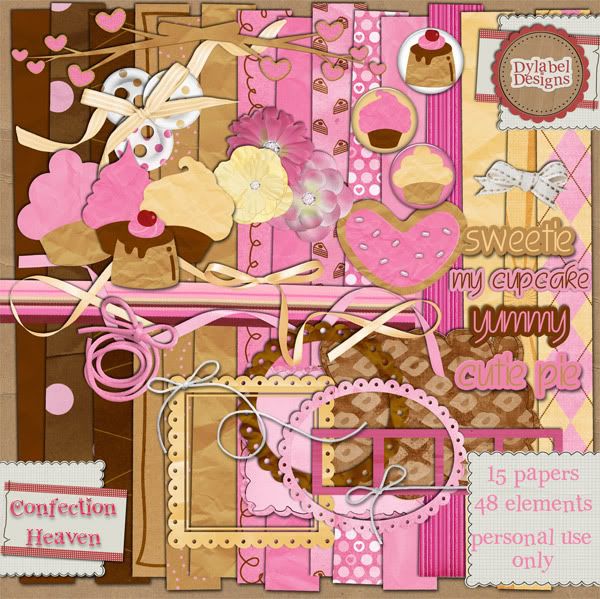
Dylabel Designs has a new kit out today called Confection Heaven. It's on sale for $3.50 today through next week. It's a sweet kit with wonderful warm browns and pinks. Check out the preview and my layout below.


CREDIT: Kit: "Confection Heaven" by Dylabel Designs, font: "Pea Aimee" by kevinandamanda.com

I also wanted to tell you to check out two other blogs. Dylabel Designs' blog and the CT blog. Dylabel Designs blog has the cutest freebie alpha that you can grab. And the CT blog will have new freebie goodies everyday. Yesterday's were cluster frames and today is a desktop background, both made using Confection Heaven. I'll be hosting a cluster frame there tomorrow. Here's a preview of the alpha freebie (image linked to blog):

Tuesday, February 2, 2010

Digi Dare 165

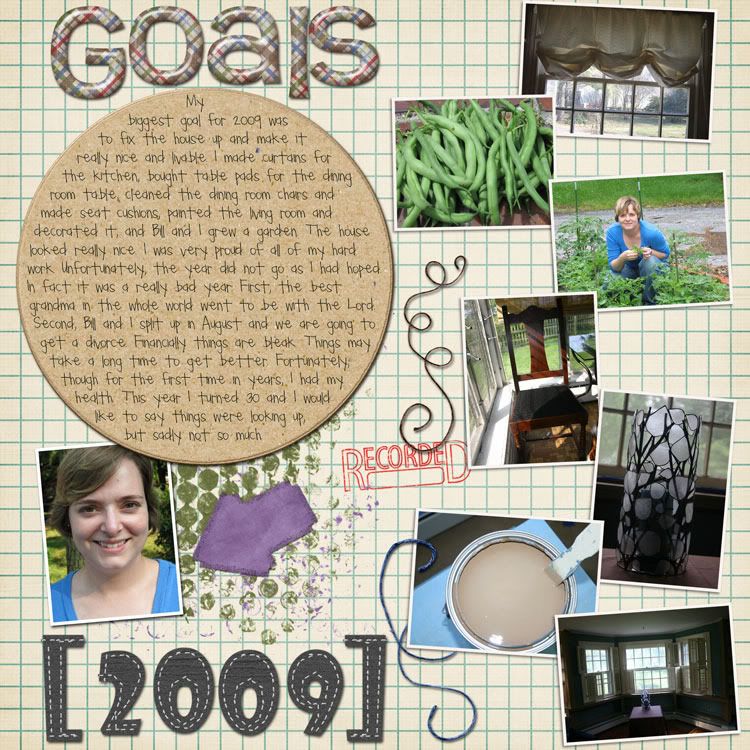
I stayed in tonight so I could scrap a layout for Digi Dare 165. The directions were to scrap about your accomplishments, or what you wished you had accomplished, in 2009. We had to journal about that. We also had to make a big 2009, use two different alphas, and add two curly ribbons. Layout below.

Digital Template (photo layout): "365 SYTYCD" by Wild Dandelions; Alphas: "Alpha 04" by Deca Designs, and "Roughin' It" by SuzyQ Scraps; Circular Text Path: "Project 365 Essentials V.1" by [wm]squared; Recorded stamp & Circle Mat: "The Weekly Record" by Emily Powers; Background Paper: "365 SYTYCD" by Wild Dandelions; Everything Else: "Roughin' It" by SuzyQ Scraps

 Journaling Reads:  

My biggest goal for 2009 was to fix the house up and make it really nice and livable. I made curtains for the kitchen, bought table pads for the dining room table, cleaned the dining room chairs and made seat cushions, painted the living room and decorated it, and Bill and I grew a garden. The house looked really nice. I was very proud of all of my hard work. Unfortunately, the year did not go as I had hoped. In fact it was a really bad year. First, the best grandma in the whole world went to be with the Lord. Second, Bill and I split up in August and we are going to get a divorce. Financially things are bleak. Things may take a long time to get better. Fortunately, though for the first time in years, I had my health. This year I turned 30 and I would like to say things were looking up, but sadly not so much.

Friday, January 29, 2010

New Release - Tweet Tweet by Dylabel Designs

Dylabel Designs has a new kit at GoDigitalScrapbooking.com that is full of sweet colors: red, pink, and mint green. Of course, I'm so crazy about pink, I just used some of the pinks from the kit in my layout. Check out the quickpage I made from it below. Download from 4shared.com.

Here's the preview: 


 Kit: "Tweet Tweet" by Dylabel Designs; Font:Pea Ky Ky by kevinandamanda.com
 and the quickpage (click image to download):

Wednesday, January 20, 2010

Week 3 Project 365

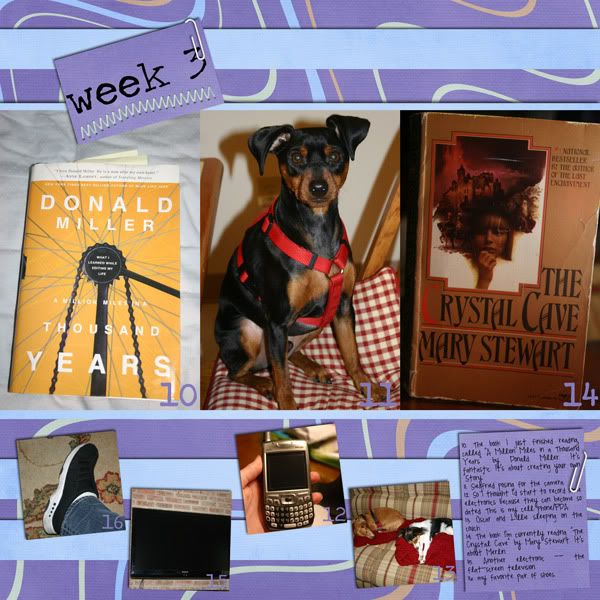
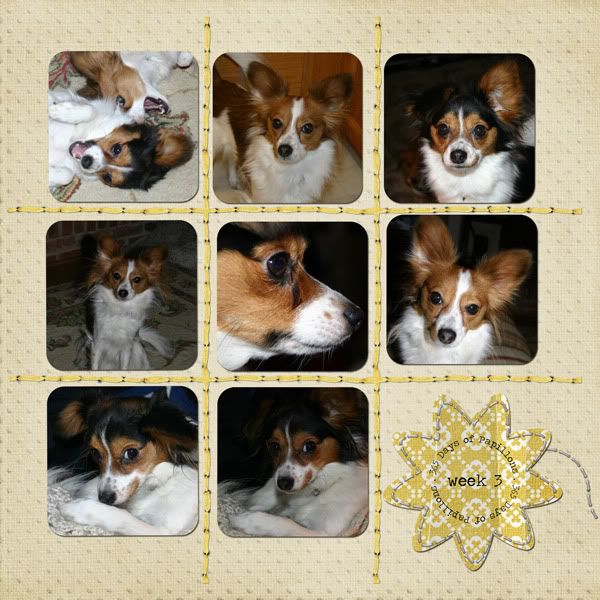
Here are my layouts for Project 365 and Project Cole & Lillie 365. I'm starting to fall off the wagon with the project 365, but going strong with the Cole & Lillie.


CREDIT:  Kit: "Celebrate!" by SuzyQ Scraps; Template: Project 365 Template 17 by Sweet Tomato Designs; Fonts: "Pea Madsen" by Kevinandamanda.com, and Traveling Typewriter


CREDIT:  Kit: "Butterfly" by Audacious Designs; Template: "Project 365 Week 20" by 3s Enough; Font: Traveling Typewriter

Sunday, January 17, 2010

Sweet Nothings by Dylabel Designs

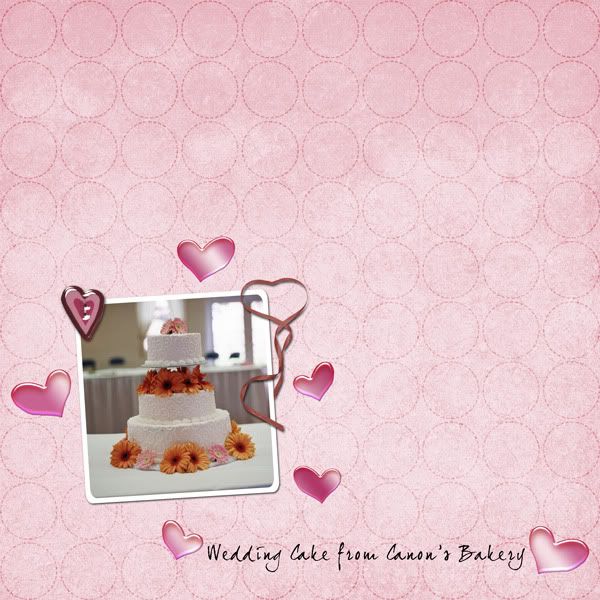
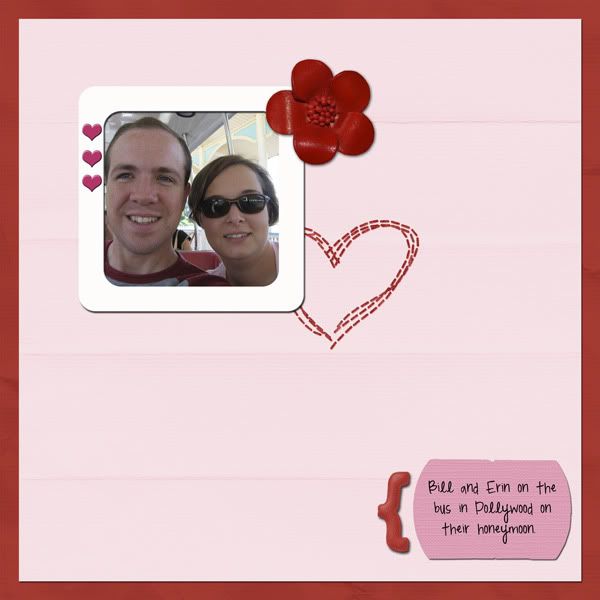
Just wanted to share with you this really darlin' kit for Valentine's Day. I love pink so I'm totally in love with this kit. I've scrapped some pictures from my wedding and honeymoon with it.


 "Sweet Nothings" Kit by Dylabel Designs; font: "joeHand2"
 
CREDITS: "Sweet Nothings" by Dylabel Designs; font: "Pea Madsen" by kevinandamanda.com
Didn't we have the most beautiful wedding cake ever? Those were my colors: pale pink and a fun pale taffy orange. Loved it!

Thursday, January 14, 2010

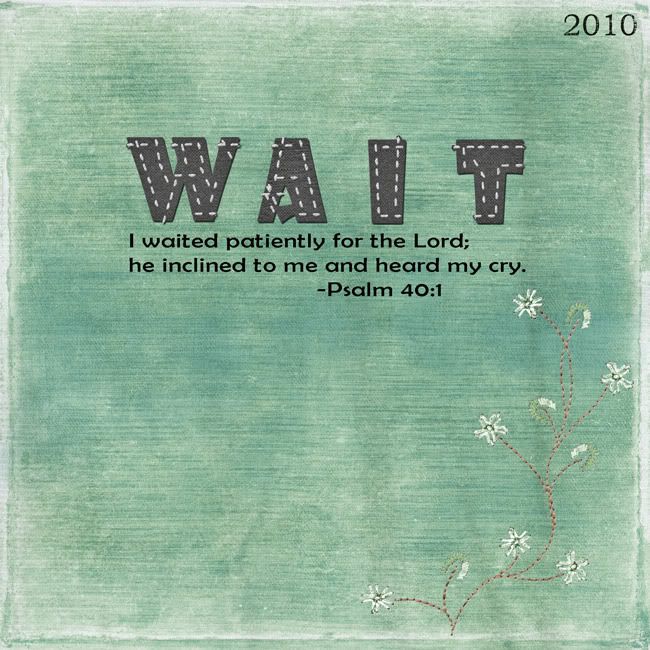
Wait

I have had the word "wait" on my mind for two weeks now, thinking that would be my word of the year. They quoted a verse using the word wait in Sunday School last week and I thought, "that is the Lord speaking that word to me."

Well since that day I have had the worst week in my life, in these 30 years I've been here on earth. No exaggeration. I thought my Grandma's death was horrid this past summer, but I have now experienced worse. I mean 2009 was up-to-date the worst year of my life, and I thought 2010 had to be looking up, but we're just two weeks in and I'm wishing away this year! The age 30 has come with a lot of problems. What I'm speaking of is a personal matter not to be broadcast across the Internet.

So, anyway, in my pain, I decided to go ahead and scrap my word of the year. This idea of a word of the year comes from Ali Edwards.

There are many verses on waiting on the Lord, but I went with something raw that spoke to me in my pain. That is simply that He "heard my cry." I am clinging to that. I need to know that if nothing else changes, at least God is there and knows how hard this is for me. As I go through this I will wait on Him and His timing and trust that He will not give me anything that He can't handle through the Holy Spirit.

CREDITS: Paper--from "Spontaneous Delight" by Carrie Stephens; Alpha--Alpha 04 by Deca Designs; Font--Berlin Sans; Datestamp--Project 365 Essentials V.1 by [wm]squared; Stitching--from "Green" by Creashens

Friday, January 8, 2010

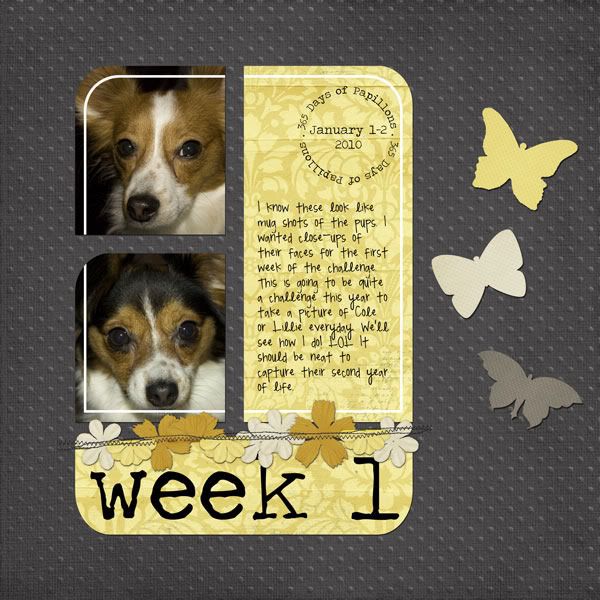
Week 1 - Project Cole & Lillie 365

Yep, I'm doing 365 of my dogs, too. I thought it'd be fun and at the end I might have some neat pictures of them to remember their "terrible twos."
So here is my layout of Cole and Lillie and you can have the template if you'd like it. Download below.

CREDIT: "Butterfly' by Audacious Designs; Fonts: Traveling Typewriter & Pea Madsen
and the template--Photoshop/Photoshop Elements file included (click image to download):

Thursday, January 7, 2010

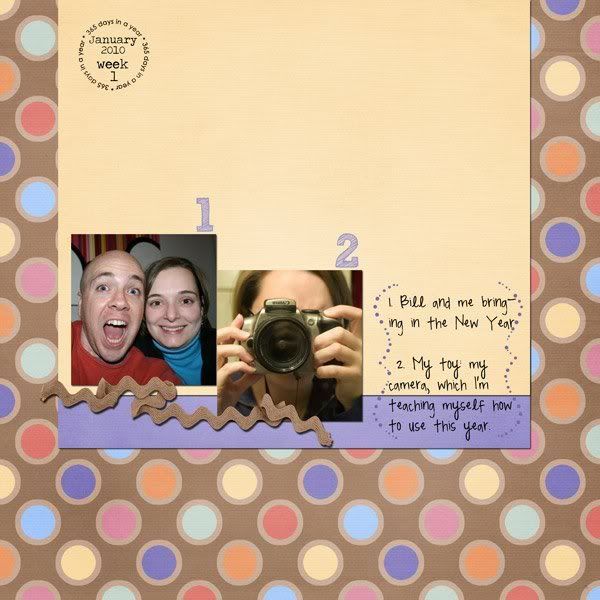
Project 365 Week 1

I'm not sure how faithful I will be about posting my scrapbook pages of Project 365, but here is week #1 (Friday & Saturday, January 1-2).

CREDITS: Kit-"Celebrate!" by SuzyQ Scraps; and Font-"Pea Madsen" by kevinandamanda.com
I think I'm going to make all 52 layouts from this one kit. We'll see how it goes making that much variety from one kit. But it's a good sized kit, including 22 papers and plenty of elements. I love the bold colors.


Happy scrapping!

Friday, January 1, 2010

Date Stamp for Project 365!

I have to admit that I am a sucker for date stamps. I found some that are not just worth checking out, they are worth blogging about! I mean I don't just promote random material on this blog. But these are worth sharing with you, and buying if you are doing Project 365. Check them out and click the image to go to the store---it's on sale right now.


Contains:

  • 365 numbered stamps
  • 12 month stamps
  • 7 day of the week stamps
  • "week" & "day" stamps
  • year stamps 2000-2015
  • 12 month rings
  • 7 day of the week rings
  • yearly rings 2000-2015
  • 3 additional rings for 365 days, 52 weeks & 12 months

Sunday, December 27, 2009

Review of Shutterfly Experience for Scrapbooking

I wanted to share my experience using Shutterfly with you.


I've been waiting til after Christmas to write this because the book I made was a surprise scrapbook for my husband. Of course the book has been wrapped for a while so I haven't had a good look at it in several weeks, but I think I remember the key points.

I scrapbook in 8" x 8", so I went for the 8" x 8" book. This ended up being a really good sized book. So if you scrapbook in 12" x 12" and want to go cheaper with a smaller book, I think you will be happy with the results. Just be aware of the size of your text when you shrink it. You could test this by printing it to any standard printer (b&w or color).
 
(click pictures for larger view)

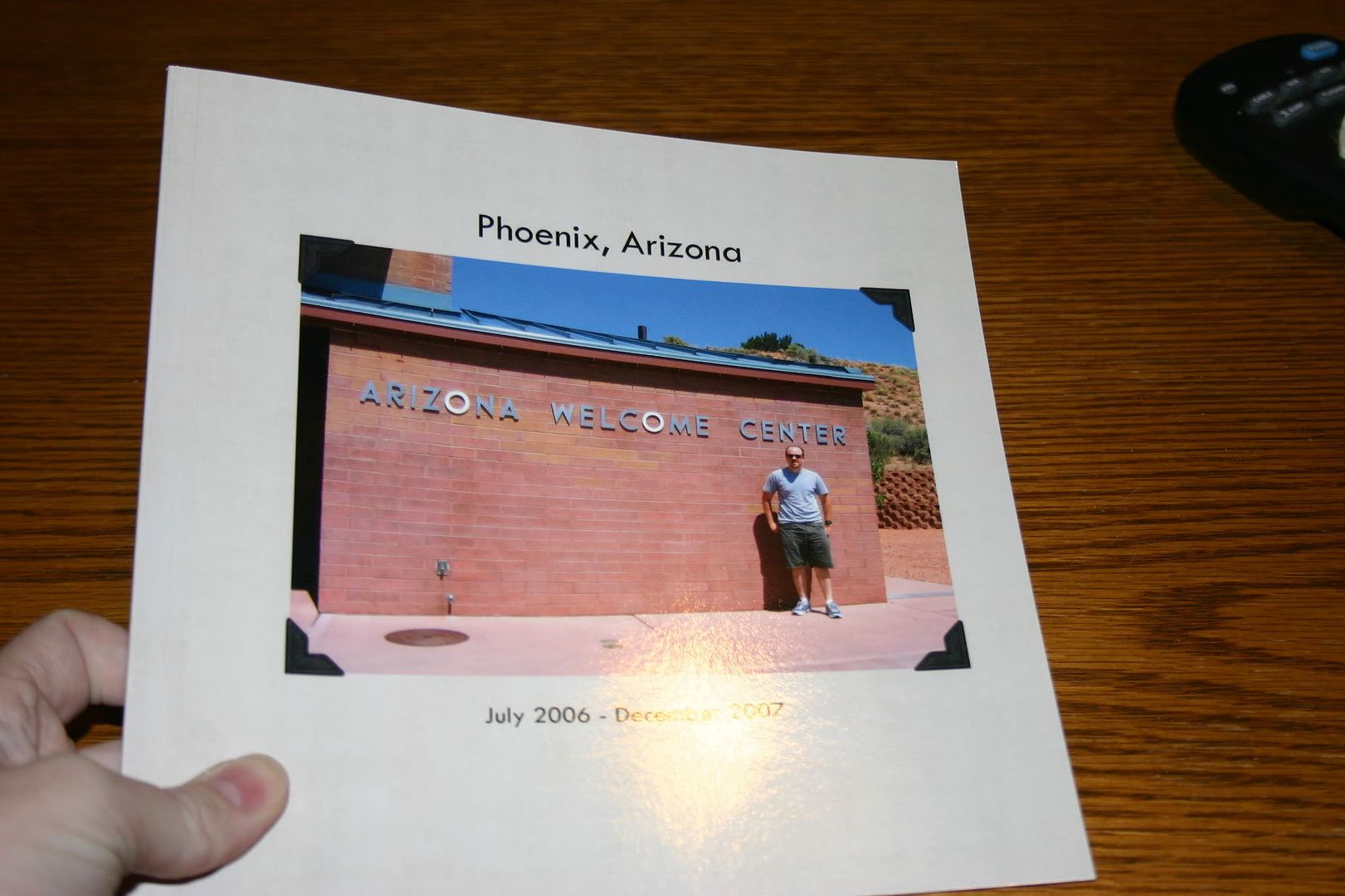
For the front and back of the book, I just inserted regular photos into the templates. If you could do more than that, I am not aware of it. But I found some really good pictures that went with the whole theme of my album. The album I made was of our time in Arizona (hence the scrapbook pages of Arizona I've been posting lately) and I put a picture of the Arizona Welcome Center on the cover and a shot of the temperature as read by our car on the day we arrived---117*---on the back.

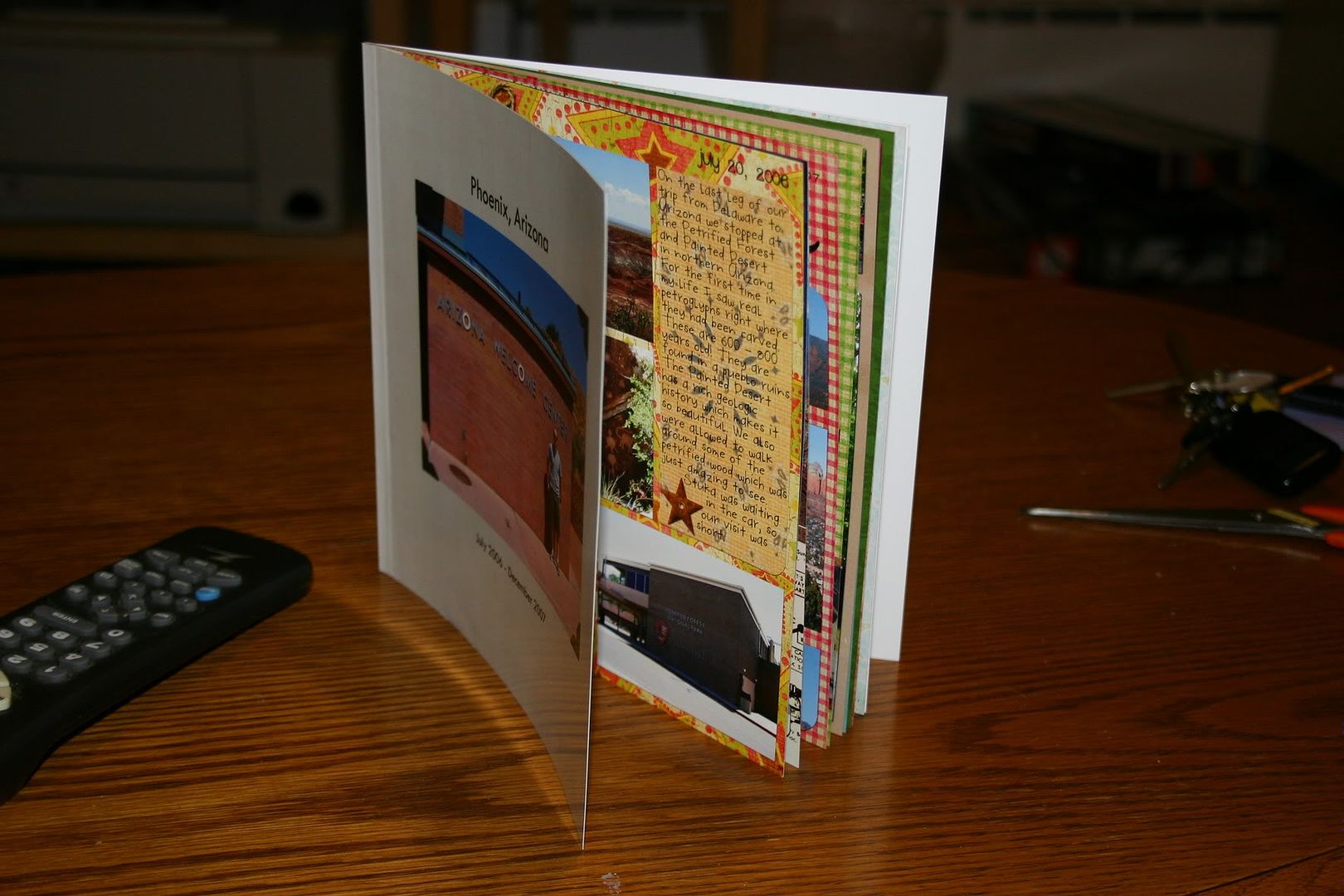
For all of the inside pages I chose a template that allowed me to insert a "picture" (my scrapbook page) the entire size of the page (8" x 8"). I wish I had pictures of this (I might update this later). Sorry.

The book had 20 pages. The first page is on the right, with the inside cover on the left. Shutterfly calls this the title page, but I just jumped right in there and started with my first scrapbook page. The last page (page 20) is on the left, with the inside back cover on the right. There were 9 sets of paired pages (i.e., one page on the left and one on the right) if you are a 2-page scrapper.


I found it rather easy to work with the interface. If you are all set ready to go, it probably would take about one hour or less to upload all of your photos and arrange them in the correct order in the book.

Issues
I found two issues with the book, which I didn't know about until I was holding the actual book in hand. So be forewarned.  
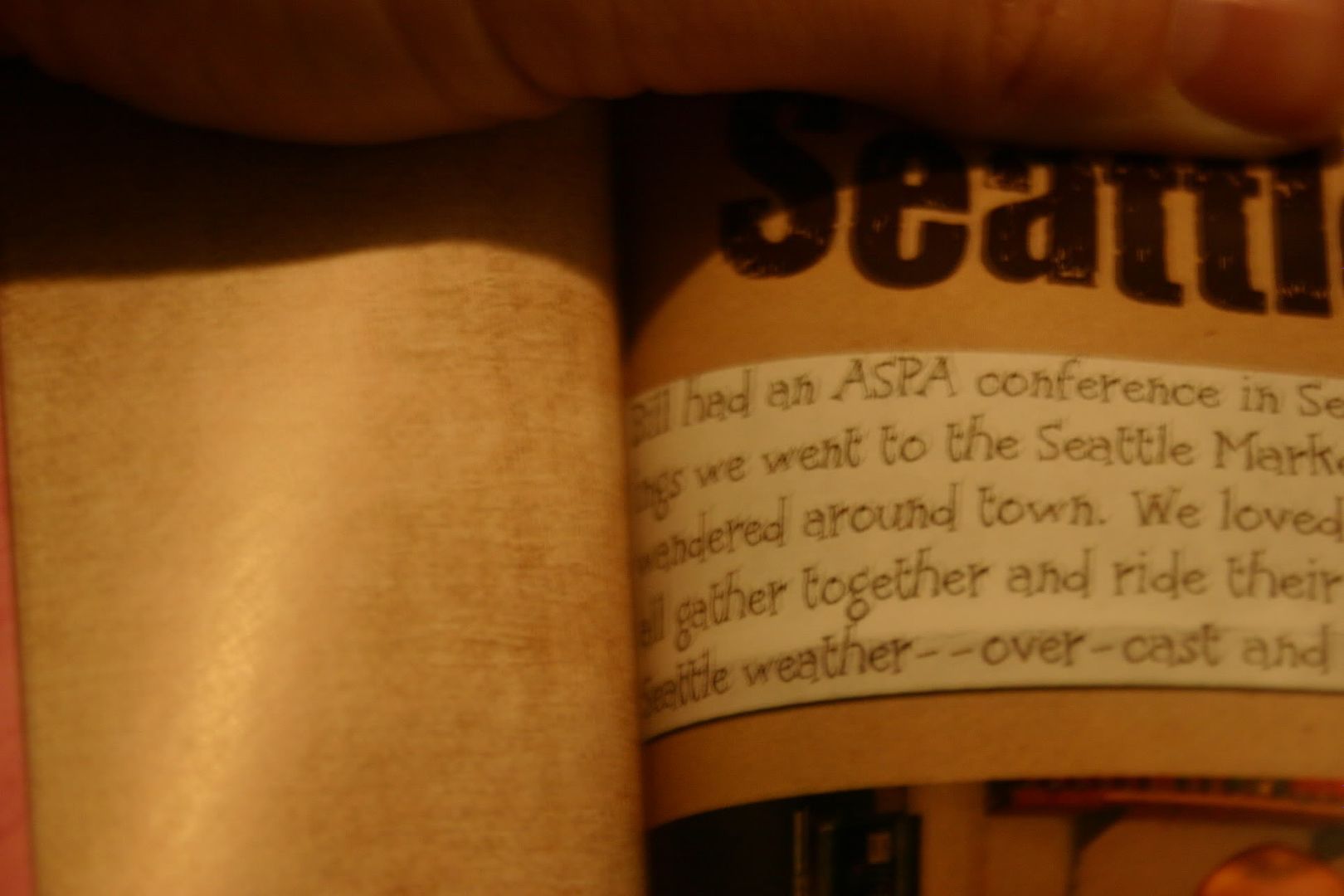
  1. I'm not sure what the technical term is for the inside of the book where the pages meet, but I'll just call it the gutter. Well, the biggest problem I saw was that your page gets lost in the gutter. I had at least two pages in the book where the text gets lost inside the book. So, I would recommend that you alter your scrapbook page according to where it will fall in your book. Either make sure nothing significant falls within at least 1/2 inch of the edge OR if you know if the page will fall on the left or right, make sure that the inside edge is free of elements and text that you want to make sure are visible.
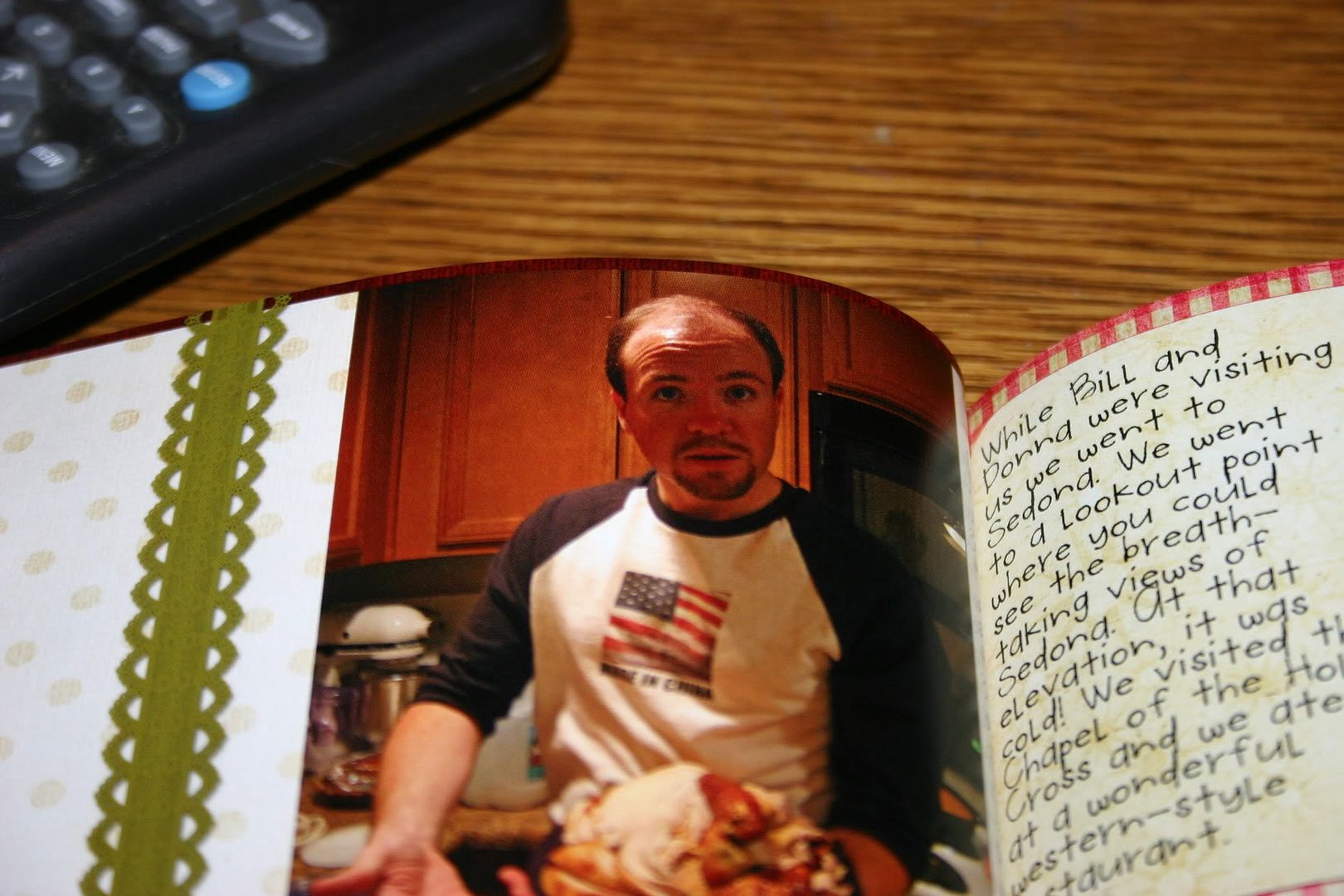
  2. The other major issue is that the text prints dark. Just as printing on card stock appears darker than photo paper when using colored ink, I found the paper that they use absorbs the color and makes it appear darker. Before I submitted my pages I printed all of them on photo paper using my laser jet and they looked great. However, the Shutterfly book seemed particularly bothersome to faces, which all came out too dark. Otherwise the colors were very vivid and looked great. So I guess I would suggest lightening any photos of people on your scrapbook page before submitting it to Shutterfly.
 
 
Otherwise I was happy with the feel and look of the book. I went with the soft cover and thought it was fine---thick enough. The pages have a soft gloss look to them, but I didn't see any finger prints making a mess of the pages. I'm not 100% on this because I was careful when handling the book.  

Would I shop at Shutterfly again?  Yes! Knowing what I do, I think in the future I will make the slight alterations that I suggest above. I thought the book was affordable and a wonderful gift. 

February 19, 2010 Update:
Also check out this review of a Shutterfly photobook by Shaz of It's My Kraft Nook 
and these photos of a Shuttefly photobook  by Keyr of Dreams Inspired

Tuesday, December 15, 2009

Scrap It To Me Tuesday with Holly Jolly

If you don't know what Scrap It To Me Tuesday is, click here.

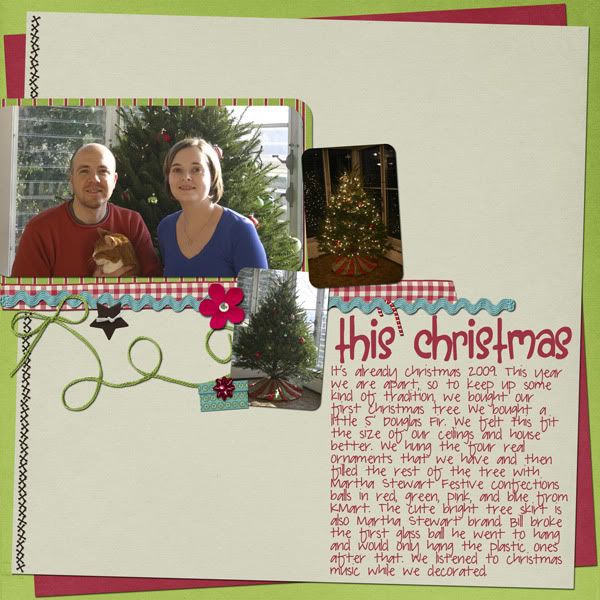
This week I'm featuring my most recent scrapbook page. It's with the cutest kit---Holly Jolly by Dylabel Designs and genia Beana.

This year is the first year we could afford a real full-sized tree. The number of ornaments is lacking, but it is a beautiful tree. We had so much fun decorating it. The colors of the kit matched our tree skirt perfectly.

"Holly Jolly" Collab by Dylabel Designs and geniaBeana; font: A Red Bucket and Pea Megeletto both by kevinandamanda.com
Tuesday, December 8, 2009

Scrap It To Me with Cowgirl Cool

Scrap It To Me Tuesday

It's another "Scrap It To Me Tuesday" with Chanin from Chanin's Corner. I'm in an earlier time zone than Chanin so I'm posting before she gets hers up, but I'm doing it now while I have the time.

I thought I'd continue with the series I started last week, which is of our trips in Arizona. Last week I showed you Grand Canyon National Park. This week I'm showing you a trip we made the day before going to the Grand Canyon---to Meteor Crater. Meteor Crater is just that: a crater near Flagstaff, AZ where a meteor struck the earth a very very long time ago.
I used Raspberry Road Design's Cowgirl Cool Collection. Click the images of the elements and papers to be taken to the Raspberry Road store.

alternative text
Credits: "Cowgirl Cool" by Raspberry Road Designs; Font: Tiza

Friday, December 4, 2009

Harvest Blessings Release and Freebie

So I got to play with another kit this week. It's called Harvest Blessings by Dylabel Designs. It's 35% off all this week! I've created a layout and a freebie using it. Check them out....and my freebie is being hosted on Dylabel Designs' website. Links to her page.

Great Tutorial on How to Use Templates

The only template I've ever made. Please feel free to snag it. (click template image to download)

When I started this blog I really concentrated on helping new digi-scrappers. As I've grown in my scrapbooking skills I have gotten away from that and kind of forgotten what would be typical questions from a newbie-scrapbooker. It was a lot easier when I was one myself. Funny how scrapping over 6 months and making approximately 75 layouts has brought me this far. And I am sure to many digi-scrappers out there I am just scratching the surface! But I am working on it. I have been scrapping up a storm these last few weeks---making about two a day for a couple of weeks. But the creative juices are starting to dry up and my momentum is slowing down.

Anyway, all of that to say that I came across a great video that will help someone newer to digi-scrapping. It is how to use templates. I know there are lots of good tutorials on this, but I still learn something new when I watch them because everybody has a different way of going about scrapping. It helps me learn the ins-and-outs of the program better.


Today's tutorial is by Cathy Zielske. I love her style, personality, and her templates and if I were not cheap I probably would own all of her templates for square pages. Here's a link to her tutorial on templates:
http://vimeo.com/7968334 and here's a link to her blog: http://cathyzielske.typepad.com/my_weblog/2009/12/video-tutorial-working-with-layered-templates.html. What is even neater is that she turned this into a hybrid page when she was finished doing the digital part, so be sure to check out her blog.

Tuesday, December 1, 2009

Scrap it To Me with On The Road

I've decided to join Chanin from Chanin's Corner in a blog hop. Every week people will blog about a layout they made that week and share the links to the kits they used. It's a great way to get inspiration for your scrapping and to find out about great scrapbooking kits.

My layout is of our first anniversary, when we made our first trip to Grand Canyon National Park. I just love how this layout turned out.
Grand Canyon
"On the Road" by Audacious Designs; scraplift from Cathy Zielske's 10 Things Right Now; Font: "Turtle Club" by Kevinandamanda.com
I used the following kit from Audacious Designs. Unfortunately, I don't know if it is available anymore because the store I bought it from shut down. But it's a wonderful kit if you can get your hands on it.

On the Road by Aud Neal